
Computer Cleaning & Overheating Service Lismore
Onsite computer cleaning across Lismore and the Northern Rivers. Dust removal, fan service and thermal repaste to stop overheating. No fix, no pay.
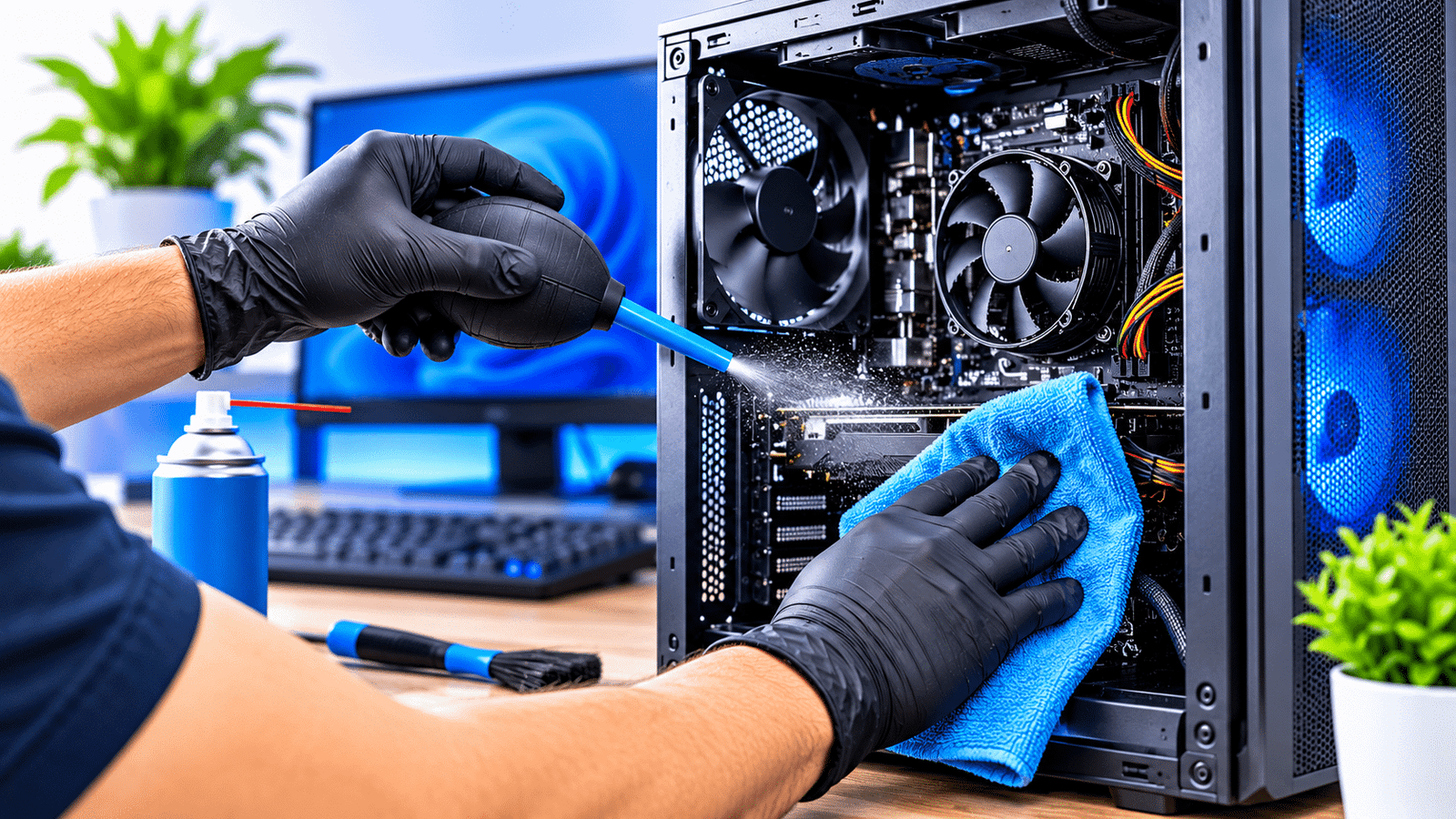
Fast, Reliable Computer Cleaning in Lismore
Laptop hot, noisy or shutting down without warning? That IT Mate provides onsite computer cleaning across Lismore and the Northern Rivers — full internal dust removal, fan service and thermal repaste for desktops, laptops and MacBooks.
Overheating is the leading cause of premature hardware failure. Our technicians strip, clean and reassemble your device, replace dried thermal paste, and test temperatures before handover — usually within 24 hours. Backed by our no fix, no pay guarantee.
What Our Computer Cleaning Service Includes
Full internal dust removal — fans, heatsinks and vents
Fan inspection, cleaning and replacement if needed
Thermal paste removal and reapplication
Temperature testing before and after
Airflow and cable check
External case clean
Written summary of findings
Signs Your Computer Needs Cleaning
- Fans running loud constantly
- Laptop hot to touch underneath
- Sudden shutdowns or freezes under load
- Performance throttling when multitasking
- Visible dust build-up in vents
- Device over 2 years old without a clean
- Burning or hot-plastic smell
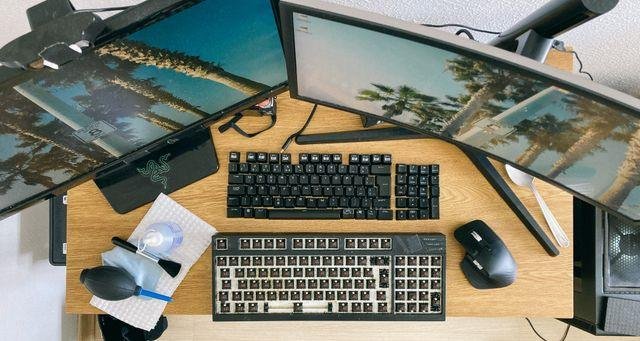
Computer Cleaning for Every Device
- Laptops & Notebooks — Internal dust removal, fan service and thermal repaste to stop overheating and performance throttling.
- Desktops & Towers — CPU cooler, case fan and power supply cleaning to restore airflow and cut noise.
- MacBooks & iMacs — Thermal repaste and fan service for both Intel and Apple Silicon models.
- Gaming PCs — High-heat cleaning and airflow optimisation for systems running under sustained load.
- All-in-Ones — Full teardown cleaning for all-in-one desktops where airflow is restricted by design.
- Office & Multi-Device — Scheduled cleaning for small business fleets across the Northern Rivers.
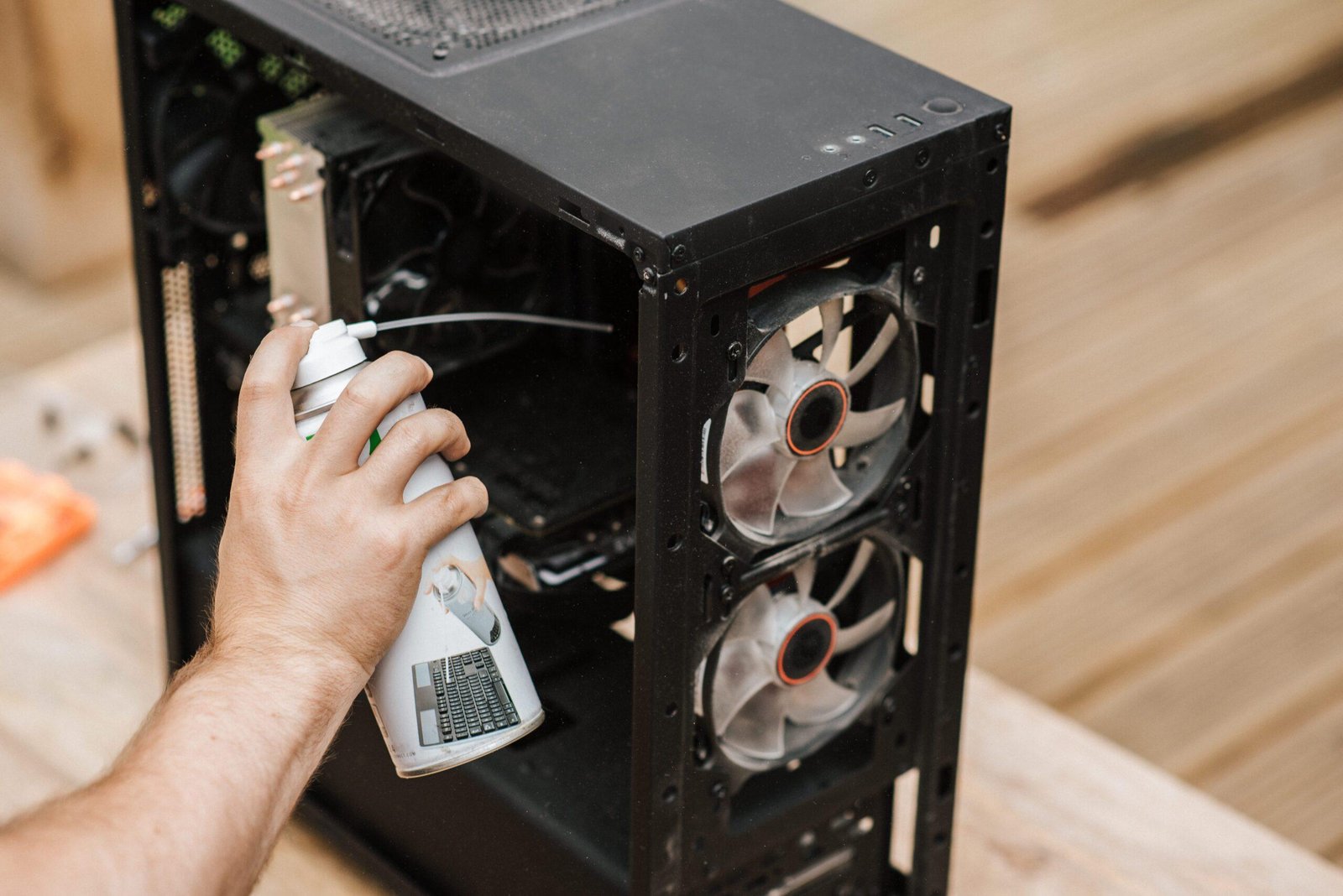
How Our Computer Cleaning Process Works
1. Tell us the symptoms: Call, message or book online. Describe the heat, noise or shutdowns — we’ll give an upfront estimate and a time window.
2. Drop off or arrange onsite: Bring the device to our Lismore workshop, or we come to you across the Northern Rivers.
3. Strip, clean and repaste: We disassemble to manufacturer spec, remove dust, service the fan, and reapply thermal paste.
4. Temperature test: Before and after readings are recorded, so you can see the difference.
5. Back up and running: Usually same-day or next-business-day. Every clean is covered by our no fix, no pay guarantee.
FAQs That IT Mate
How often should I clean my computer?
Every 12–24 months for most homes. Sooner — every 6–12 months — if you have pets, live near a dusty road, smoke indoors, or the device runs hot. Laptops generally need it more often than desktops because their airflow is tighter.
Will cleaning fix my overheating problem?
In most cases, yes. Dust-clogged heatsinks and dried thermal paste are the two most common causes of overheating, and both are fixed by a clean and repaste. If the cause turns out to be something else — a failing fan, a dying battery, a hardware fault — we’ll tell you before doing any extra work.
How long does a computer cleaning take?
Usually same-day or next-business-day. Most laptops and desktops are completed within a few hours once we start. We’ll confirm the turnaround when you book.
Do you clean MacBooks and iMacs?
Yes — including thermal repaste on both Intel and Apple Silicon models. Apple devices are often the ones that benefit most, because their cooling systems are compact and dust builds up quickly.
Will I lose my data during cleaning?
No. Cleaning is a physical service — we don’t touch your operating system, files or installed software. Your data stays exactly as it was. We still recommend a backup as good practice, and we can set one up while the device is with us.
Is it safe? Could cleaning damage my device?
We disassemble and reassemble to manufacturer specification, and we test temperatures before handover. Every clean is covered by our no fix, no pay guarantee — if cleaning doesn’t resolve the overheating, you don’t pay.
Can you clean my computer onsite at home or work?
Yes. Onsite cleaning is available across Lismore, Ballina, Byron Bay and the Northern Rivers. A few devices are better serviced at our Lismore workshop where we have full teardown equipment — we’ll advise which when you book.
Book Your Computer and Laptop Cleaning
Call or book online to arrange a Windows 11 upgrade or repair in Lismore. We’ll confirm compatibility, price and turnaround upfront — no surprises.
Related IT Services in Lismore
Looking for something more specific? We also provide computer and laptop repairs for hardware faults, virus and malware removal for infected systems, data recovery and backup if files are already lost, and computer cleaning if the machine is running hot rather than slow.
For a full list, visit our services page or check our service areas.
Responsible Computer Recycling in Australia
If your computer or device is no longer working and its value is under $100, it may be more cost-effective—and environmentally friendly—to recycle it rather than repair it. At That IT Mate, we care about reducing electronic waste.
We recommend recycling through trusted services such as Computers & Electronics Recycling Australia, which help ensure your old tech is safely and ethically processed.
Let’s keep our environment clean and do the right thing with e-waste!